
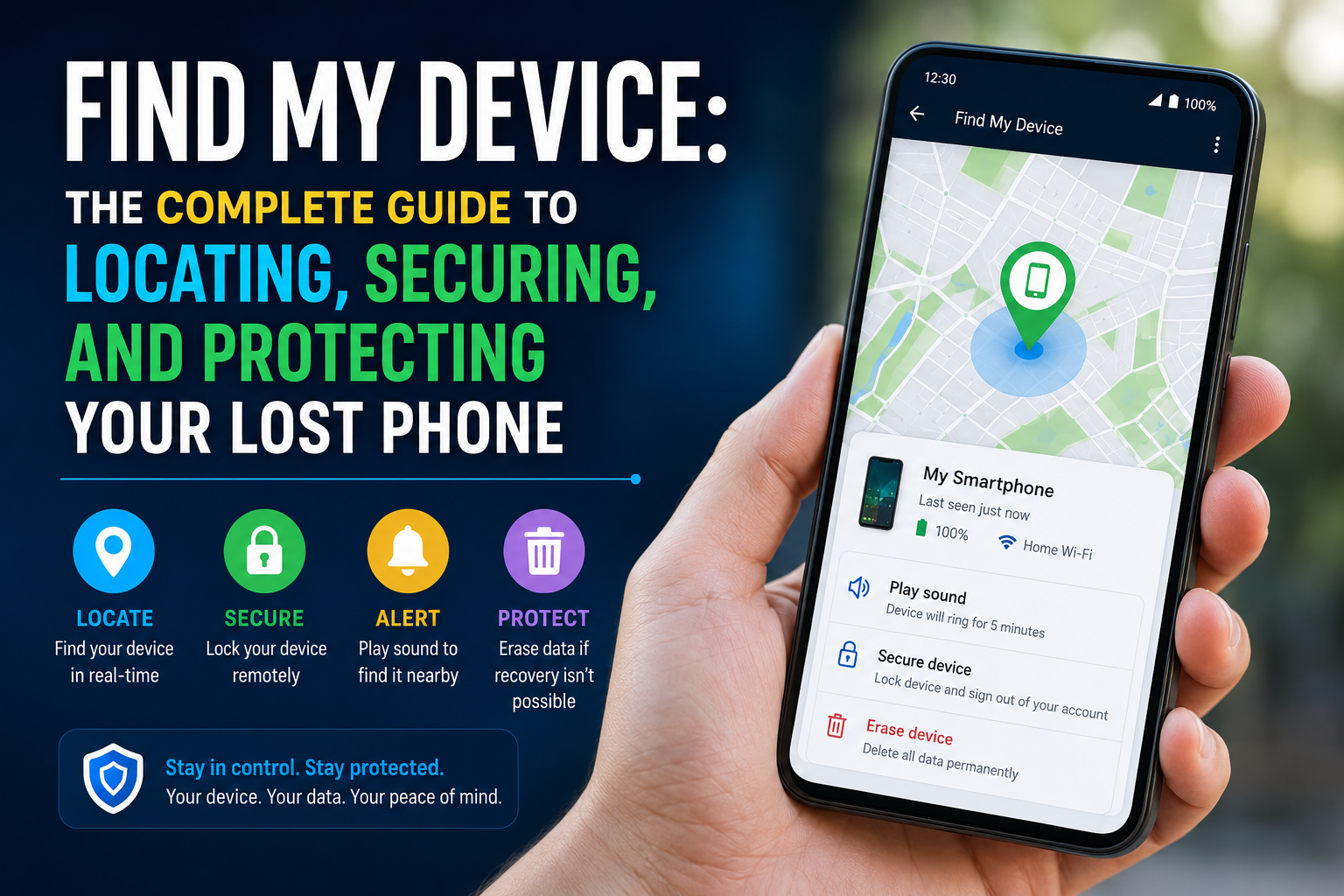
Introduction to Find My Device
In today’s digital age, smartphones store personal photos, private messages, banking access, and important work files. Losing a phone can feel overwhelming and stressful. This is where Find My Device becomes essential. It is a smart security feature that helps users locate, lock, and protect their phones if they are lost or stolen.
This guide explains the feature in simple, human-friendly language. You’ll learn how it works, why it matters, and how to use it effectively. Whether your phone slipped under a car seat or was taken, this tool helps you regain control quickly and keep your data secure.
What Is Find My Device
Find My Device is a built-in security service that lets users track their phone’s location remotely. It connects with your main account and uses GPS, Wi-Fi, and mobile networks to display the phone’s position on a map.
Android users rely on Google Find My Device, while Apple users use Apple Find My. Both systems are designed to protect user data and increase the chances of recovering a missing phone.
Why Find My Device Is Important
Losing a smartphone isn’t just about replacing hardware. It can expose your personal data to identity theft, financial loss, and privacy risks. This tracking and security feature plays a key role in digital safety.
Key Reasons It Matters
Helps locate your phone in real time
Allows remote locking to stop unauthorized access
Protects personal and sensitive information
Enables data erasure if recovery isn’t possible
By enabling it in advance, you greatly reduce the risk of serious financial and digital damage.
How Find My Device Works
This service works by linking your phone to your online account. When the device is turned on and connected to the internet, its location can be detected and shown on a map.
It uses several technologies:
GPS for accurate outdoor tracking
Wi-Fi networks for better indoor positioning
Mobile data to refresh location in real time
If the phone is offline, the system shows the last known location, which can still help track recent movement.
How to Enable Find My Device on Your Phone
To use this feature effectively, it must be enabled before the phone goes missing. Most modern smartphones have it turned on by default, but it’s always good to double-check.
Basic Setup Steps
Sign in with your primary account
Turn on location services
Enable device tracking in security settings
Allow remote access and data protection
Once activated, it runs quietly in the background without affecting phone performance.
Using Find My Device to Locate a Lost Phone
If your phone is missing, you can access the service from another phone, tablet, or computer. After logging in, the device location appears on a map.
Available Actions
Play Sound: Makes the phone ring loudly, even on silent
Secure Device: Locks the phone and shows a custom message
Erase Device: Deletes all data to protect privacy
These options make the tool effective for both recovery and security.
Find My Device for Stolen Phones
In theft situations, quick action is critical. While recovery isn’t always guaranteed, this feature helps you respond immediately.
Recommended Steps
Lock the phone as soon as possible
Display a contact message for recovery
Monitor last known movement
Erase data if the phone seems unrecoverable
This approach minimizes risk and protects your personal information.
Limitations You Should Know
Although powerful, this service does have some limits:
The phone must be turned on
Internet or GPS access is required
Indoor accuracy may vary
A factory reset can disable tracking
Even with these limits, it remains one of the most reliable phone-protection tools available.
Tips for Best Results
Preparation makes a big difference. Small steps can greatly improve success.
Helpful Tips
Keep location services enabled
Use a strong account password
Update phone software regularly
Review security settings monthly
These habits ensure reliable performance when you need it most.
Data Privacy and Security
Many users worry about privacy. The good news is that location data is encrypted and only accessible through your verified account.
Privacy Highlights
Only the account owner can see the location
Data is protected with account security
Tracking stops once the device is erased
The system is built to protect users, not to monitor them unnecessarily.
Common Problems and Easy Fixes
Sometimes the service may not work as expected. Most issues are simple to resolve.
Location not updating: Check internet connection
Device not visible: Confirm correct account login
Offline status: Wait until the device reconnects
In most cases, these problems are temporary.
Use for Families and Businesses
This feature isn’t only for individuals. Families can use it to help locate children’s devices, while businesses rely on it to protect company phones and sensitive work data. In both cases, it adds an extra layer of safety and control.
Future of Find My Device Technology
As technology evolves, tracking and security tools continue to improve. Future updates may include:
Better offline tracking support
More accurate indoor positioning
Faster recovery and response tools
These advancements will make phone protection even more reliable.
Final Thoughts
Find My Device is no longer a luxury—it’s a necessity in everyday digital life. From locating a misplaced phone to protecting sensitive data, it provides real peace of mind.
By understanding how it works, setting it up correctly, and using it responsibly, you can protect your digital life with confidence. If you haven’t reviewed your settings yet, now is the perfect time to do it.
Must Read: Drawing on Smartphone: A Complete Guide for Digital Creativity on the Go